Cellular Concrete Mix Design
Richway Mix Design App
Quick Use Guide
The Richway Mix Design App is an all-in-one field tool for cellular concrete mix design, machine settings, pipe volume calculations, and equipment calibration.
Use the tabs at the top of the app to quickly access each tool.
App Tabs
- Mix Design — Calculate cement, water, slurry density, foam, and cost.
- CT Series Settings — Find the recommended foam setting and production rate for your CT machine.
- CFVT-20C — Calculate run time and material quantities for the CFVT-20C.
- Pipe Volume — Calculate annulus volume for pipe lining jobs.
- CT Calibration — Perform field tests to calibrate and troubleshoot your equipment.
- Saved Designs — View, share, or delete saved mix designs.
- About — View Richway contact information and app version.
Tip: Use the US / Metric toggle at the top of any tab to switch between imperial and metric units.
1. Mix Design: The Mix Design tab is where you create your cellular concrete mix.
Step 1 — Set Your Water-to-Cement Ratio
In the Base Slurry section, enter your water-to-cement ratio (w/c).
- Use the slider or enter a value from 0.2 to 0.8.
- The app automatically calculates:
- Portland cement
- Water
- Base slurry density
Step 2 — Set Your Target Density
In the Cellular Concrete section, enter:
- Dry Cellular Density — Your target density in PCF.
- Default: 30 PCF
- Range: 20–90 PCF
- Total Cellular Volume — The amount of cellular concrete needed.
- Default: 1 yd³
The app then calculates:
- Wet Cellular Density — Dry density × 1.05 to account for moisture in fresh concrete.
- Base Slurry Required — The amount of base slurry needed.
- Total Water Required — Water needed to generate the foam.
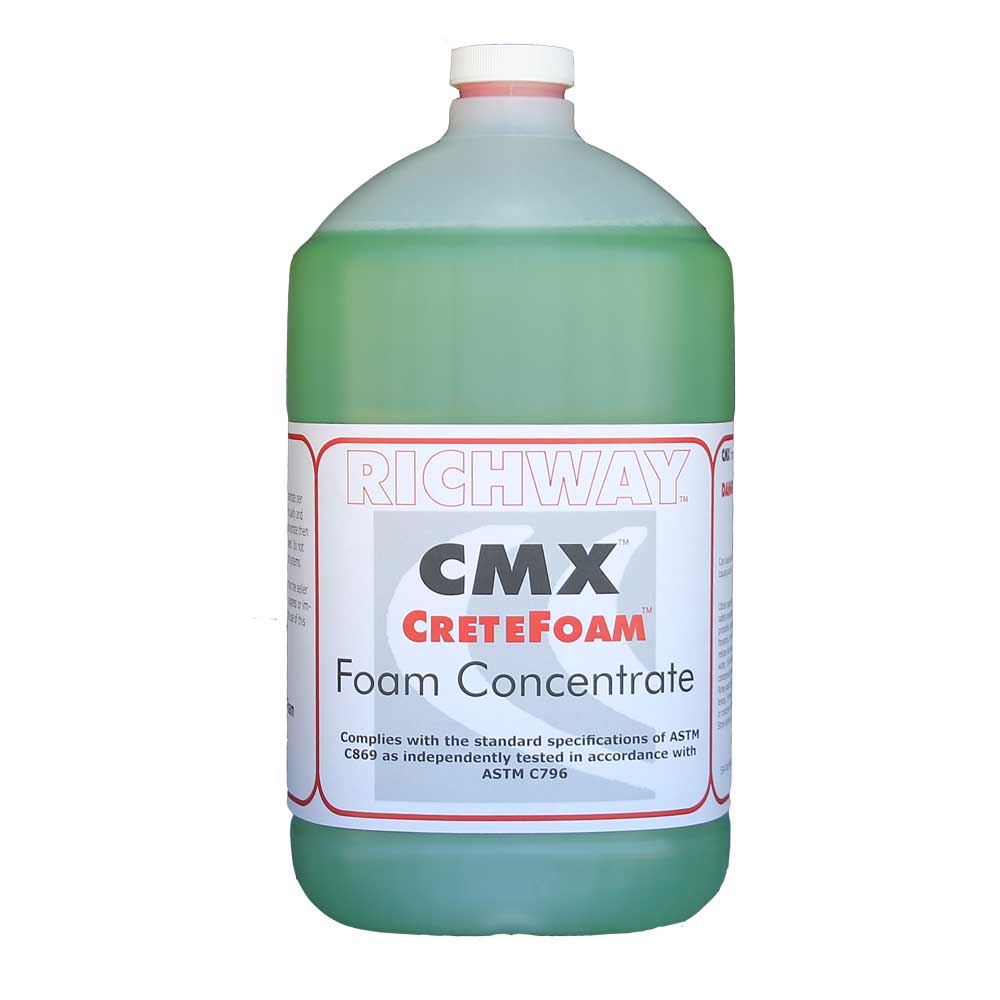
- Foam Concentrate Required — CMX concentrate needed for the job.
Foam Settings
The app uses these standard foam settings:
- Foam density: 2.5 lbs/ft³
- Water-to-concentrate ratio: 40:1
These are standard settings for most jobs.
Need CMX foam concentrate?
Click Here
Step 3 — Check Your Costs
Enter:
- Foam Concentrate Cost — Default: $55/gal
- Base Slurry Cost — Default: $140/yd³
The app calculates:
- Cost of the foam concentrate needed
- Total cellular slurry cost per cubic yard
Advanced Settings
Turn on Advanced Settings if your mix includes additional materials.
| Material | Specific Gravity | Enter As |
|---|---|---|
| Fly Ash | 2.60 | % of Portland cement weight |
| Pozzolan #2 | 2.33 | % of Portland cement weight |
| Aggregate | 2.65 | % of Portland cement weight |
| Sand | 2.65 | % of Portland cement weight |
When you add admixtures, the app automatically adjusts the Portland cement amount and recalculates the slurry density.
Save or Share Your Mix
When your mix is complete:
- Tap Save Mix Design to save it for later.
- Give the mix a name.
- Tap Share to send the mix by email, text message, WhatsApp, or another app on your phone.
2. CT Series Settings: Use CT Series Settings to find the recommended foam setting and expected production rate for your machine.
Step 1 — Select Your Machine
Choose your CT machine:
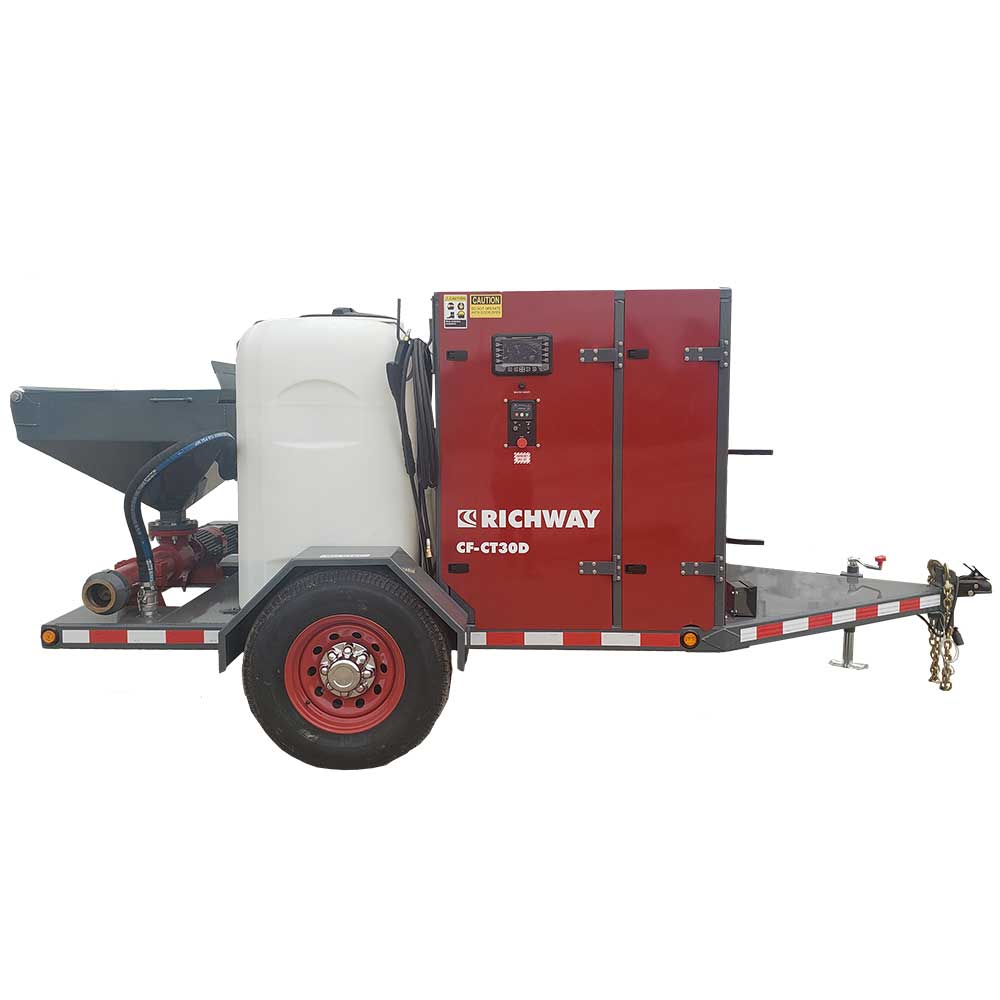
- CT-30D — Slurry pump: 100–300 RPM
- CT-100D PC Pump — Slurry pump: 100–400 RPM
- CT-100D Peristaltic Pump — Slurry pump: 6–26 RPM
Your machine selection is saved automatically.
Step 2 — Enter Your Mix Information
| Setting | Default | Range |
|---|---|---|
| Base Slurry Density | 110 PCF | 50–160 PCF |
| Cellular Density | 30 PCF | 25–75 PCF |
| Foam Density | 2.5 PCF | 2.0–4.0 PCF |
| Slurry Pump Speed | Machine dependent | See machine range |
| Truck Load | 7 yd³ | 1–10 yd³ |
Save Time With “Use Mix Design Values”
Turn on Use Mix Design Values to automatically bring your slurry density and cellular density from the Mix Design tab.
This eliminates the need to enter the same information twice.
Step 3 — Check Your Results
The app provides:
- Foam Setting (CFM) — Your recommended foam output. This is highlighted in green.
- Total Output (CY/hr) — Estimated production rate.
- Time to Empty Truck — Estimated time to place one full truck load.
Important: These are calculated estimates. Always take a field density sample and adjust the machine as needed.
If your density is:
- Too high: Increase foam or decrease pump speed.
- Too low: Decrease foam or increase pump speed.
3. CFVT-20C: Use this tab when operating a CFVT-20C machine.
Enter:
- Base slurry density
- Cellular density
- Truck volume
The app calculates:
- Machine run time
- Foam volume
- Water required
- CMX concentrate required
The CFVT-20C calculations use fixed machine settings:
- Foam output: 20 CFM
- Foam density: 2.3 PCF
- Water-to-concentrate ratio: 45:1
4. Pipe Volume: Use Pipe Volume to calculate the amount of cellular concrete needed to fill the space between a host pipe and liner pipe.
Enter:
- Host pipe diameter
- Liner pipe diameter
- Pipe length in feet
The app calculates the annulus fill volume in cubic yards.
You can also add multiple pipe segments. The app automatically totals the volumes, making it easy to calculate long pipe runs with different pipe sizes.
5. CT Series Calibration: Use CT Series Calibration to check and calibrate your machine in the field.
Choose the test you want to perform:
Air / Foam
Verify foam flow rate and foam density using a drum and scale.
Water
Verify water flow at 50% output in manual mode.
Concentrate
Verify CMX concentrate flow rate.
Slurry Pump
Verify slurry pump output at a known RPM.
Each test provides step-by-step instructions for:
- Setting up the test
- Running the test
- Measuring the output
- Comparing the result with the expected value
The app displays:
- ✓ Pass — Your measured output is within 10% of the expected value.
- ✗ Fail — Your measured output is outside the acceptable range.
6. Saved Designs: All mix designs saved from the Mix Design tab appear here.
From Saved Designs, you can:
- Tap a design to view the full mix details.
- Share a design by email, text, WhatsApp, or another app.
- Delete a design by tapping the × button on its card.
Quick Start — Your First Job
Follow these six steps to get started:
1. Select Your Machine
- Go to CT Series Settings and select your machine.
2. Set Your Water-to-Cement Ratio
- Go to Mix Design and enter your w/c ratio.
3. Set Your Target Density
- Enter your desired dry cellular density and the total volume needed.
4. Check Your Materials
- Review the calculated amounts of:
- Base slurry
- Water
- Foam concentrate
5. Get Your Foam Setting
- Return to CT Series Settings. The green Foam Setting card shows your recommended machine setting.
6. Save and Share
- Save your mix design, give it a name, and share it with your crew or office.
Need Help?
Contact Richway Industries for technical support, machine questions, or to order CMX foam concentrate.
- Phone: 319-987-2976
- Email: info@richway.com